
~ / yumedb tracker — browser extension
~ the graph, watching with you
Track from
where you watch.
The extension detects the episode playing on your streaming site and syncs it to your YumeDB list — both ways, on every device you approve.
- ✓ one-click «mark seen» from an in-page HUD
- ✓ two-way sync — revocable per device
- ✓ local-first: works offline, pushes when connected
works on crunchyroll · hidive · netflix · bilibili+ any site you teach it
01 / what it does
- multi-site detection
- media session, JSON-LD, DOM and URL strategies — plus your own custom sites with a live probe editor
- in-page HUD
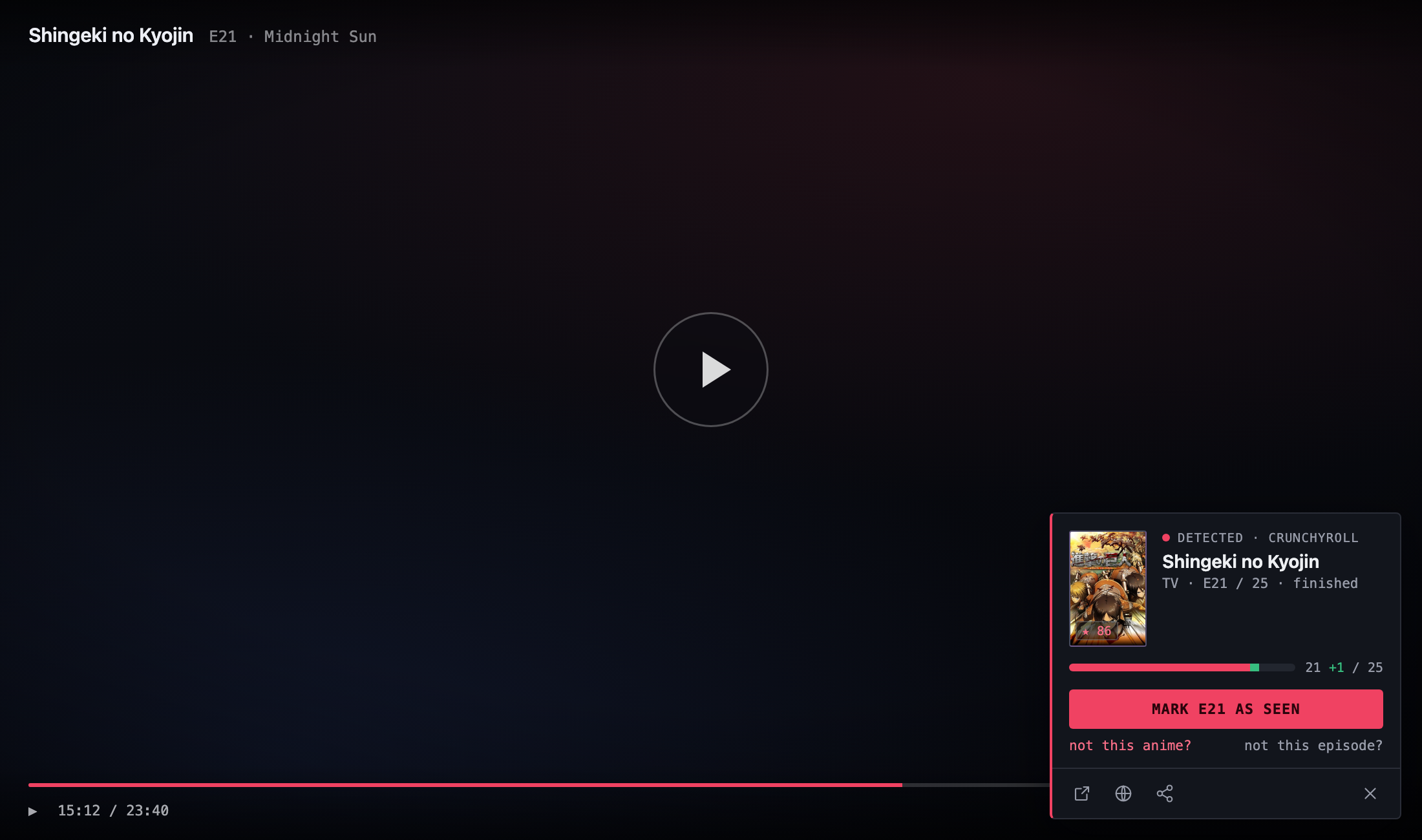
- a quiet card appears over the player: mark seen, fix the match, jump to the record
- two-way sync
- local-first storage that pushes to your account and pulls the freshest state — last write wins
- device tokens
- authorized from the web with your session; revocable anytime in settings → developer
- episode notes
- per-episode note + rating right after marking, if you want them
02 / in action
01 · detect
It sees the episode.
The card slides in over the player with the match already resolved — one click and the episode is history.
02 · track anywhere
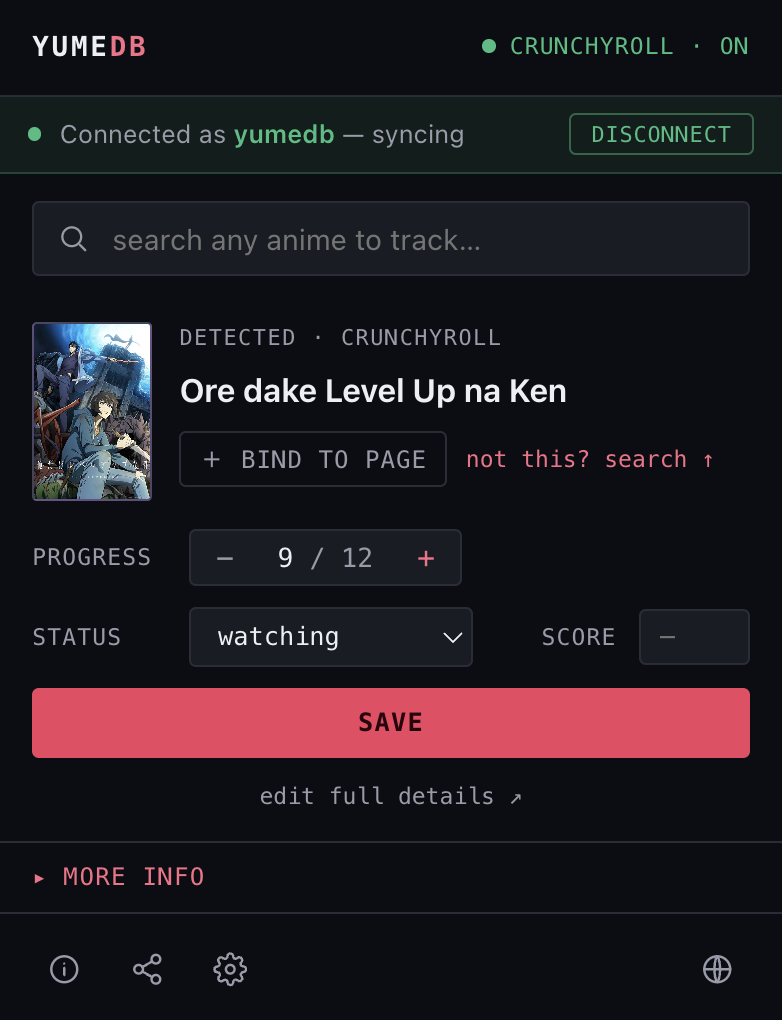
Any anime, any tab.
Search, bind pages, step episodes and rate — straight from the toolbar, synced to your list.
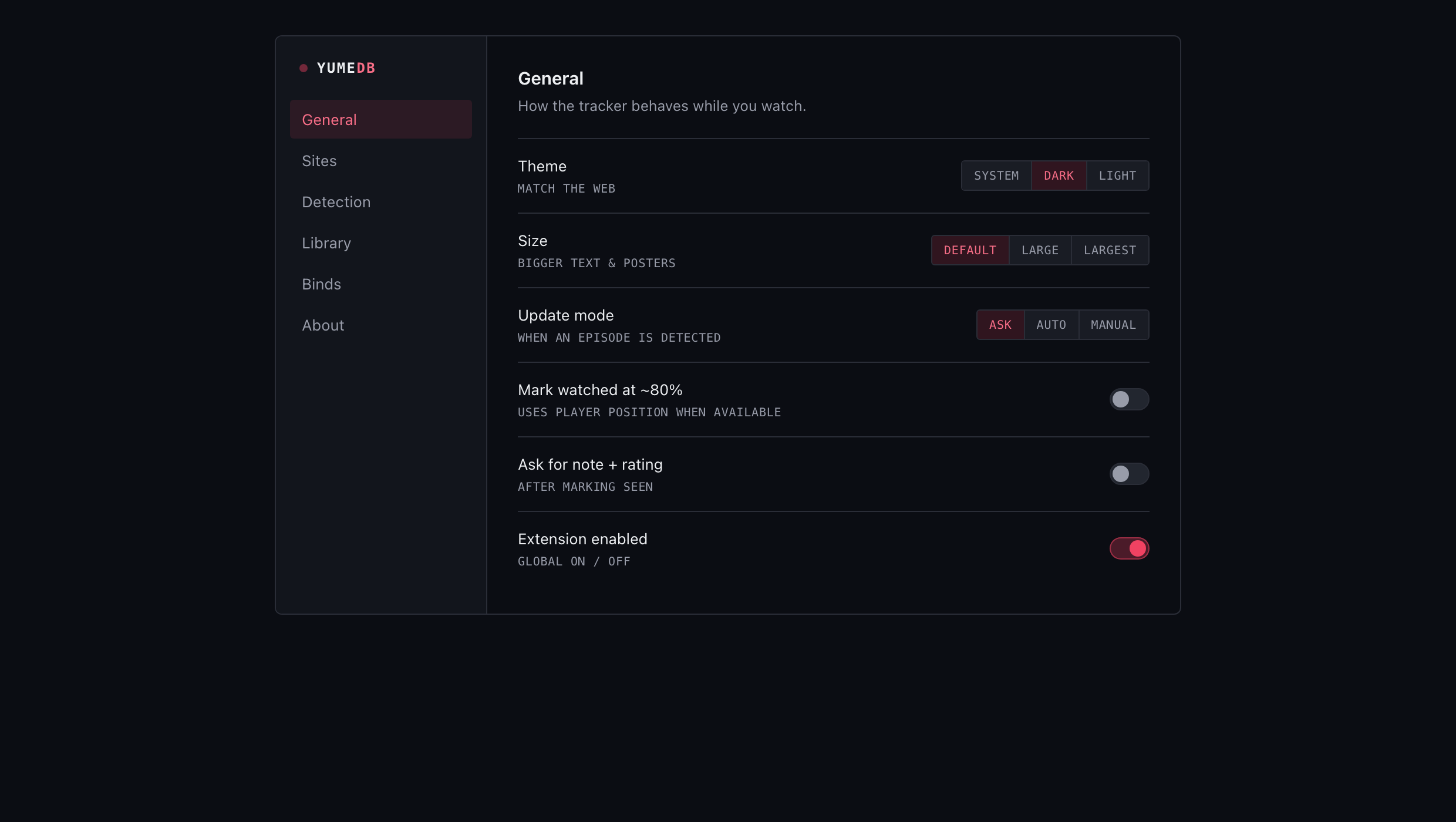
03 · quiet by design
It never nags.
Ask, auto or manual — every prompt is optional and per-site. Your player, your rules.
03 / install
version 0.1.0
install · chrome / edge
- 01 unzip the download
- 02 open chrome://extensions (or edge://extensions)
- 03 turn on Developer mode (top-right)
- 04 Load unpacked → pick the yumedb-tracker folder
firefox + one-click signed installers — coming soon
changelog →
v0.1.0 · 2026-08-08
- · First public build.
- · In-page HUD: detects the anime + episode on the player, one-click mark seen.
- · Multi-site detection: Media Session, JSON-LD, DOM and URL — plus custom sites.
- · Toolbar popup: search, track, bind pages, step episodes, rate.
- · Two-way sync with revocable device tokens; local-first (works offline).
developer? build from source →
- 01 clone the repo and run
pnpm -C apps/extension build - 02 open
chrome://extensions→ enable developer mode - 03 «load unpacked» → select the
dist/folder - 04 open the popup → «connect account» and approve — done
04 / privacy
The device token only grants read and write:self — it can update your lists, never your account. Content scripts never see the token, and everything works local-first if you prefer not to connect.
← all apps